


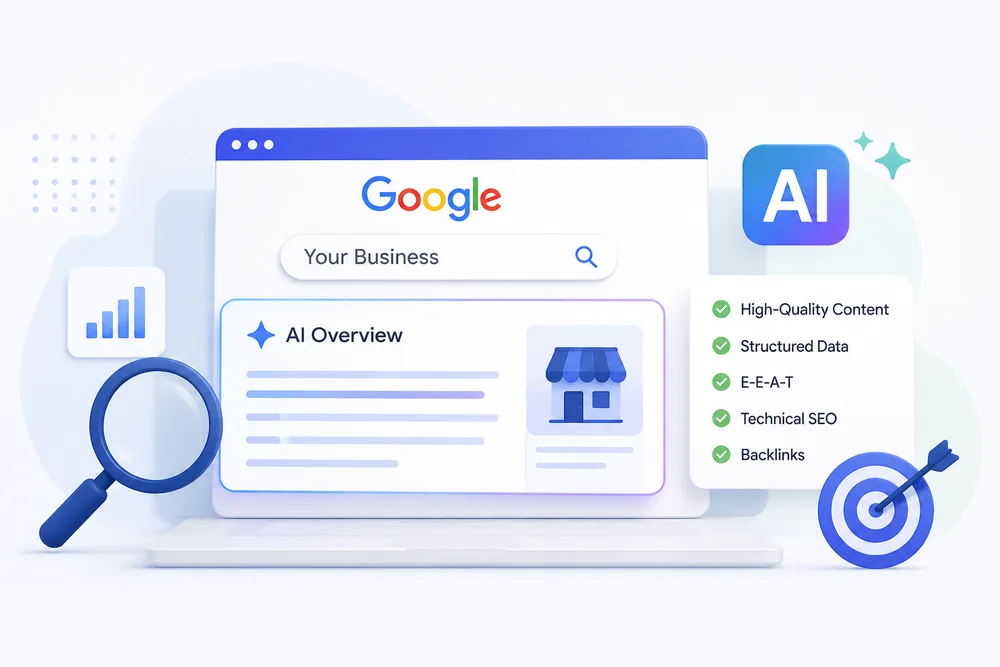
How to Make Your Business Website Visible in Google AI Overviews and AI Search
Google Search is changing. Alongside traditional search results, users may now see AI Overviews that provide an AI-generated summary with links to supporting web pages. For businesses, this means search visibility is no longer only about ranking among the blue links. Your website also needs to provide clear, useful and trustworthy information that search systems can understand and use.
The good news is that businesses do not need a completely separate SEO strategy for AI search. Strong SEO fundamentals, helpful content, clear answers, technical website quality and genuine business information remain important.
This guide explains practical ways to make your website better prepared for Google AI Overviews and other AI-powered search experiences.
What Are Google AI Overviews and AI Search?
Google AI Overviews are AI-generated summaries that can appear in Google Search for certain queries. They bring together information from relevant web sources and provide users with a direct answer, along with links that allow them to explore the information further.
AI-powered search is designed to understand the meaning and intent behind a query rather than simply matching individual keywords. This makes it increasingly important for businesses to create content that answers real customer questions clearly and provides useful context.
Why Indian Businesses Should Care
AI-powered search is becoming another way for potential customers to discover businesses, products and services. Being visible in these experiences can help strengthen brand awareness and bring qualified visitors to your website when your content is used as a supporting source.
For businesses in Mumbai and across India, this is particularly relevant for local searches. Someone looking for an SEO company, cloud service provider, website development company or business email solution may use increasingly conversational searches to compare options and find providers.
This makes it important for businesses to build both search visibility and brand credibility, rather than focusing only on individual keyword rankings.
How Google Selects Information for AI Answers
Google does not publish a separate formula that guarantees inclusion in AI Overviews. However, its existing search guidance emphasizes helpful, reliable and people-first content, along with a website that can be properly crawled, indexed and understood.
Your content should therefore provide genuine value rather than being created simply to target keywords. Clear organization, relevant information, first-hand expertise, trustworthy sources and a technically sound website can all contribute to a stronger overall search presence.
The goal should be simple: create content that is genuinely useful to people and easy for search systems to understand.
Content Strategies That Can Improve Your Visibility
Start by answering the questions your customers actually ask. Use clear, question-focused headings such as “How much does digital marketing cost in Mumbai?” or “Which cloud solution is best for a small business?” and provide a direct answer before going into more detail.
For important topics, explain the subject clearly, provide practical steps and include relevant examples. Comparison pages, alternatives and decision-making guides can also be valuable because they address the types of questions people ask when researching products and services.
Most importantly, add information that demonstrates real knowledge and experience. Original insights, examples, case studies, data and practical recommendations can make a page more useful than generic content found across hundreds of websites.
It is better to have one strong, genuinely useful page than several thin articles that repeat the same information.
Quick On-Page and Technical Checklist
Review your important pages and make sure they have:
- One clear primary topic and descriptive headline
- Logical H1, H2 and H3 heading structure
- Direct answers to important questions
- Bullet points, numbered lists or tables where they improve readability
- Relevant structured data where appropriate
- Fast loading and mobile-friendly design
- HTTPS and a clean, crawlable website structure
- Clear information about the business and its expertise
These improvements are not shortcuts to appearing in AI Overviews. Instead, they make your website easier for both users and search engines to understand and navigate.
Local SEO and Brand Trust Matter
For businesses targeting Mumbai or other locations in India, local SEO should be part of the wider strategy. Keep your Google Business Profile accurate and up to date, including your business details, services, location, website and other relevant information.
Your business name, address and phone number should also remain consistent across important online listings. Genuine customer reviews can further help potential customers understand your business and make a decision.
Relevant mentions from industry publications, local websites, partners and other authoritative sources can also strengthen your online presence. The focus should be on building real brand credibility, not simply collecting links or mentions.
Common Mistakes to Avoid
Avoid creating content that is thin, repetitive or written mainly to insert keywords. Content that sounds unnatural or provides little value is unlikely to help your users or your long-term search visibility.
Businesses should also avoid relying on information hidden entirely inside images, neglecting mobile performance, publishing outdated information or assuming that adding schema markup alone will make a page appear in AI results.
There is no single trick that guarantees visibility in AI Overviews. A consistent focus on useful content, technical SEO, expertise and trust is a much stronger approach.
How Growthwell Can Help
If you want to understand how prepared your website is for modern search, Growthwell can help you identify the areas that need improvement.
From SEO and content optimization to local SEO, website performance and search visibility, our team can review your website and create a practical action plan based on your business goals.
Ready to improve your website's visibility in AI-powered search? Contact Growthwell to discuss your SEO requirements and find the right strategy for your business.